


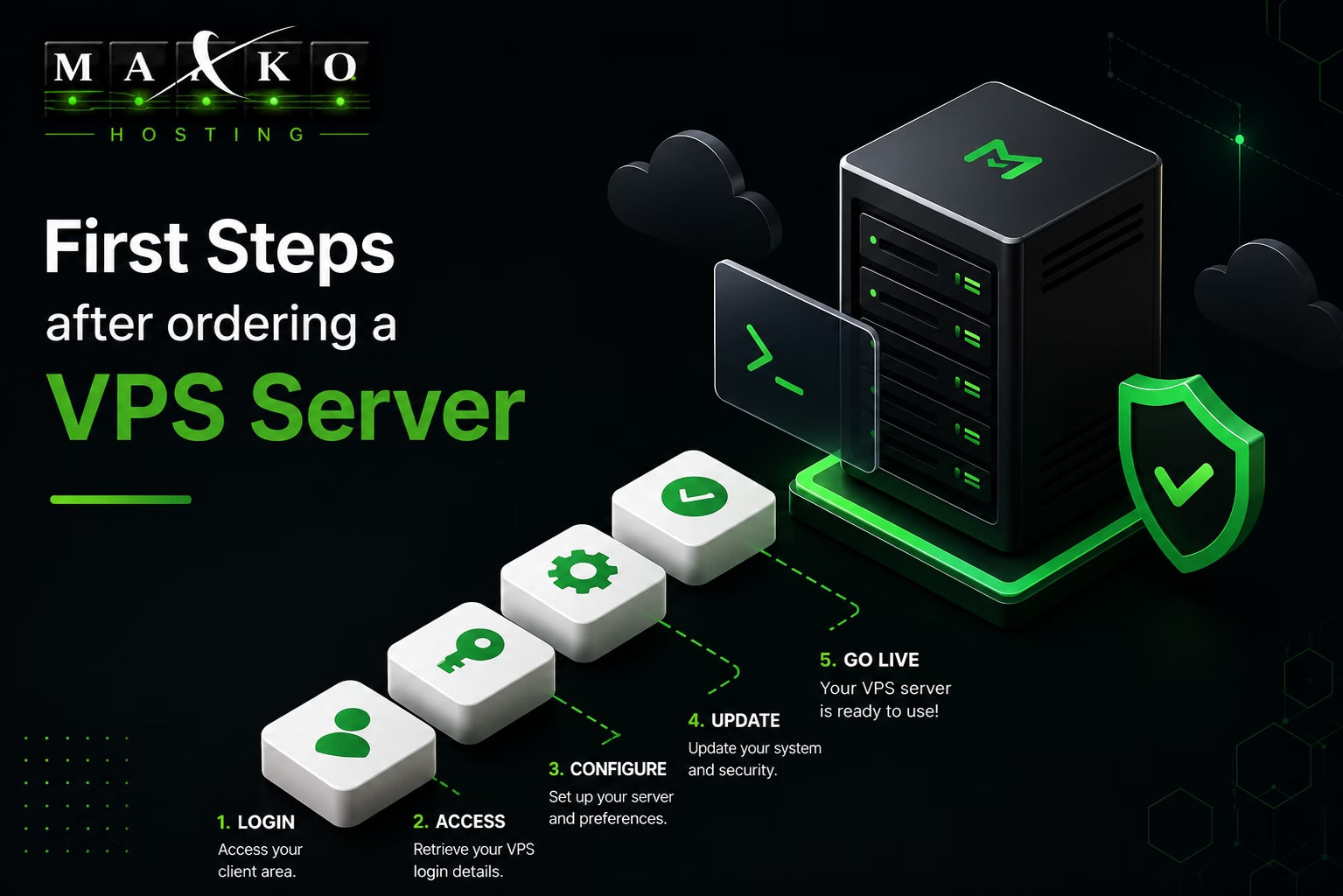
First Steps After Ordering a VPS Server
A checklist for new VPS customers: login, updates, SSH security, firewall, users, backups, monitoring, and basic testing.
Overview
A new VPS is a clean starting point. Before you upload a website or install production software, spend a little time on the basics: access, updates, security, backups, and monitoring. These steps help prevent common problems later.
Log in and confirm server details
After the VPS is delivered, log in with the credentials from your service email or client panel. Confirm the hostname, public IP address, operating system, disk size, memory, and CPU resources.
hostname
ip addr
df -h
free -m
Update the operating system
Run system updates before installing your application stack. On Debian or Ubuntu:
sudo apt update
sudo apt upgrade -y
On AlmaLinux, Rocky Linux, or CentOS-based systems:
sudo dnf update -yCreate a regular sudo user
Using a normal user with sudo is safer than working as root all the time. Create a user, add it to the correct admin group, and test login before disabling or limiting root access.
Secure SSH access
Use strong passwords or SSH keys, keep your current session open while testing changes, and avoid editing SSH settings without checking syntax first.
sudo sshd -t
sudo systemctl restart ssh
Enable a firewall
Open only the ports you need. For example, a basic web server may need SSH, HTTP, and HTTPS. A control panel may require additional ports from its documentation.
Plan backups before launch
Do not wait for the first mistake to think about backups. Decide what needs to be backed up, where backups are stored, how often they run, and how you will restore them.
Add monitoring
At minimum, monitor disk usage, memory, load, important services, and SSL expiry. Small alerts are easier to handle than emergency recovery after a full disk or stopped service.
Final recommendation
Prepare the VPS before hosting live data. Update it, secure it, open only required ports, create backups, and document the setup. A careful first hour can save many hours later.